

Ever felt a panic attack coming up when you have to post on social media? You know that you need to get something out, but you're staring at a blank screen. Or worse: you post something in a rush, look at your feed a week later, and realise it looks like five different companies are running your account.
Templates help you to stay consistent without becoming boring, and without spending hours on each post. Let's take a closer look.
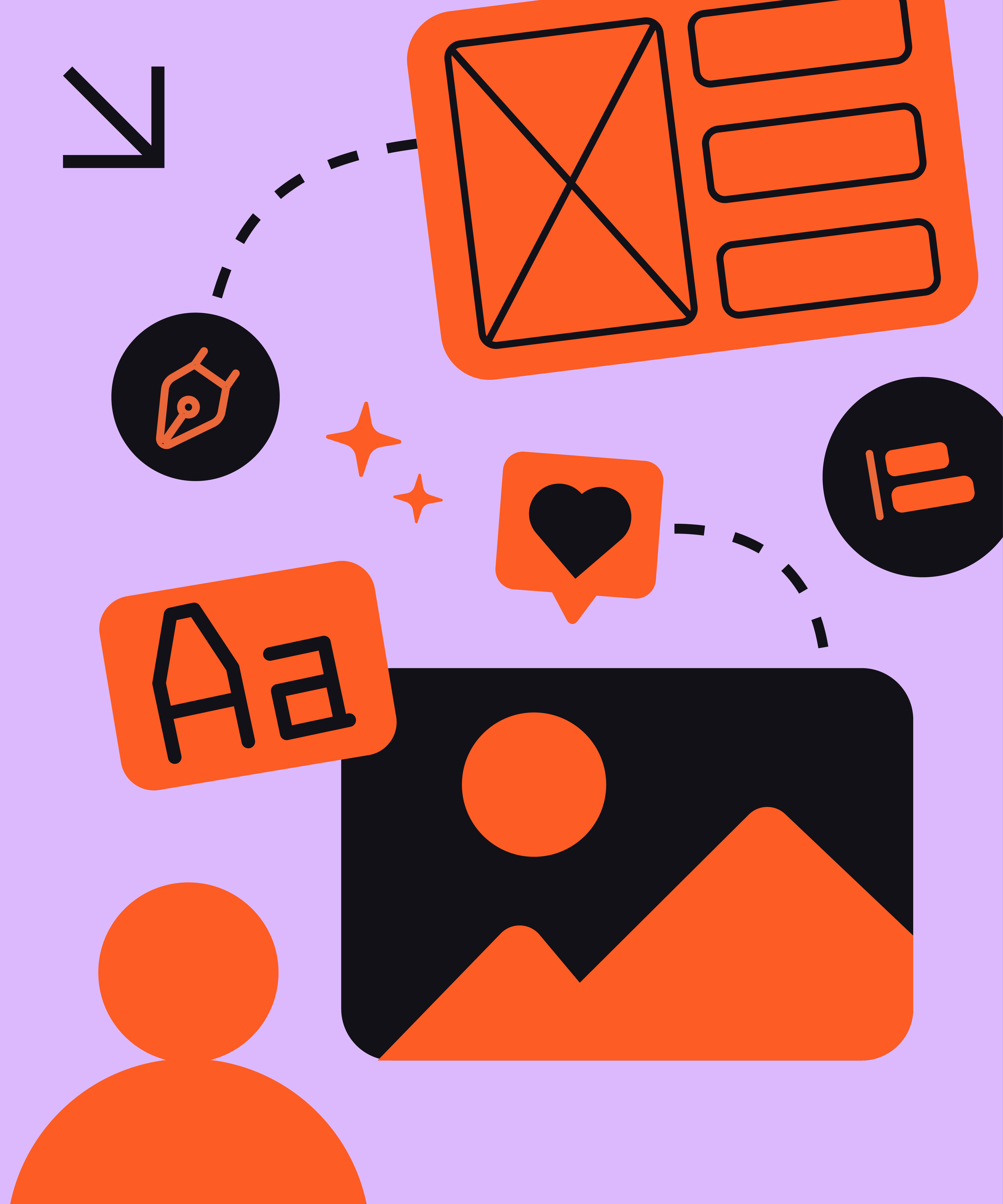
Generally speaking, social media is the place where your brand can loosen its figurative tie. Of course, your tone of voice will depend on your brand and target audience. But for most companies, posts on sites like LinkedIn are dynamic, creative, and even a little playful. The problem is that there is a fine line between playful and chaotic.
Putting it in other terms, you can think of social media as the playground of your branding. Sure, it’s fun, but it shouldn’t be a lawless jungle! If every post uses a different font, a random colour, or a weird layout, you lose authority and confuse your audience.
Templates give you some fences for that playground. You get the freedom to experiment with content, but the visual foundation stays the same. Not having to double-check the fonts, colours, and general vibe every time will save you lots of time and peace of mind at the same time.

Templates are not a straightjacket. They are a safety net for your creativity.
Most marketeers aren't graphic designers. And they shouldn't be! So why rely on complex tools?
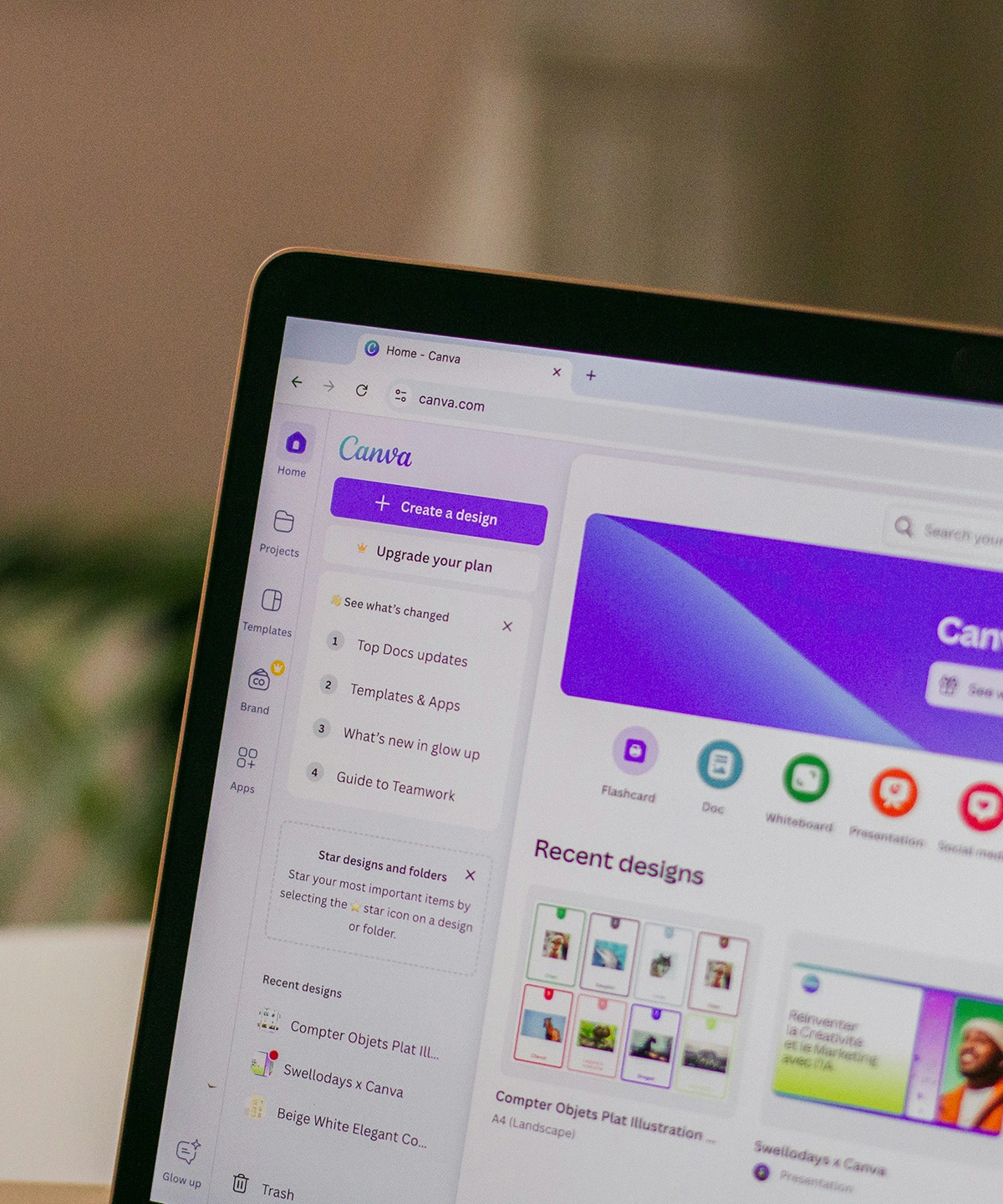
A smart brand is one that bridges the gap between professional design and daily use. You can start with high-end tools like Adobe Illustrator to define the look, or ask for some help to set things up. But once the basics have been defined, you'll want to translate them into tools with a lower barrier of entry like Canva or Figma.
Couple an easy-to-use tool with some templates, and you'll be able to drag, drop and post within minutes. Your visuals will look on-brand, like they've been made by a pro, but you won't have to go to design school for a few years. Seems like a pretty nice win time-wise, if you ask us.
Ready to stop stressing and start posting? Check out our custom template service!