

Two years ago, we were experimenting with every new AI design tool that was launched. Specialised image generators, AI-powered plugins, standalone platforms promising to revolutionise creativity, ... But today, most of those tools are gathering digital dust. Here's what actually stuck.
Remember when everyone was excited about niche AI design tools? Magician for Figma, Visual Electric, Leonardo AI, Mokker for product photography, and so much more. We tried them all, but we learned that having the best AI features means nothing if they don't fit into your actual design workflow.
Our designers work in Adobe. They know Photoshop's layers, understand Illustrator's pen tool, and have built muscle memory around workflows refined over years. Jumping between Adobe and five different AI tools ended up creating more friction instead of making us more efficient.
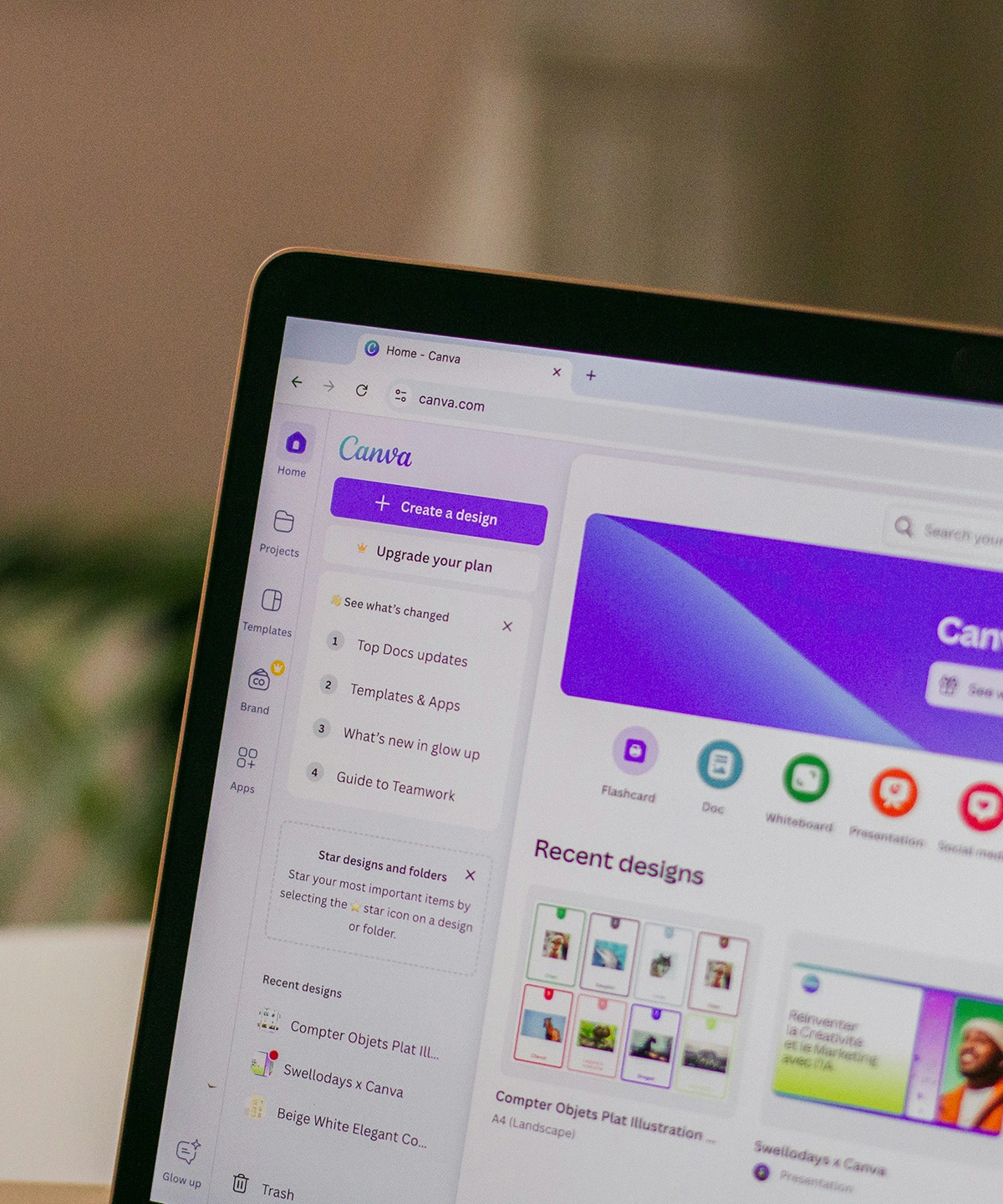
Then Adobe started integrating multiple AI models directly into their tools, including Nano Banana Pro, which is currently leading for many use cases. Suddenly, our designers had cutting-edge AI with the professional controls they were already comfortable with.
And the result was predictable: our use of third-party AI design tools dropped to pretty much zero. Because why context-switch when you can stay in your workspace?
If we ask our designers where they use AI daily the most, there's one clear winner: Webflow.
We use Webflow as our web development tool of choice, and AI has become a key part of that process. Not to generate pretty pictures or explore creative concepts, but to solve the mundane technical problems that eat up time.
The built-in AI assistant helps with debugging layout issues, suggesting CSS fixes, and troubleshooting responsive breakpoints. When a design doesn't render correctly on mobile, AI can spot the issue faster than manually inspecting every media query.
External LLMs like ChatGPT and Copilot help with simple scripts, custom interactions, and CSS tweaks. Need a specific animation? Want to adjust spacing across breakpoint? AI writes the code, we just have to refine it.
Another way that AI delivers value in web development is by using AI as a learning assistant. Webflow is powerful, but quite complex. When our designers encounter something they haven't done before, AI explains how it works, suggests approaches, and helps them learn rather than just copy-pasting solutions.
And finally, there's the boring but essential stuff: alt text, meta descriptions, and schema markup. AI generates solid first drafts that our designers can quickly review and refine, and our copywriters can adjust where necessary. It's not glamorous, but it saves hours every week.

The best AI tool is the one you actually use daily, not a slightly better one with a separate application you have to remember to launch.
We've recently started using Figma for website designs. We're still in the early stages, but we're planning a thorough review of its AI capabilities soon.
Figma has rolled out impressive AI features, including website generation, AI-powered prototyping and image editing tools. On paper, it looks compelling. But we can't be sure about the reality. We'll report back once we've actually used them in production work.
And if you've been paying attention up to this point, you'll know that the question isn't whether Figma's AI is good. It's whether it fits our workflow well enough to change how we work.
AI design tools have matured, and the experimental phase seems to be over. So, the question shouldn't be "which AI tool should I use?" but "how well is AI integrated into the tools I already rely on?"
For our design team, this is the situation in 2026:
The niche AI design tools haven't disappeared. But unless they find a way to solve a very specific problem that the major platforms don't address, they will keep struggling to justify the context-switching cost.
Curious about how we combine design expertise with the right AI tools?